

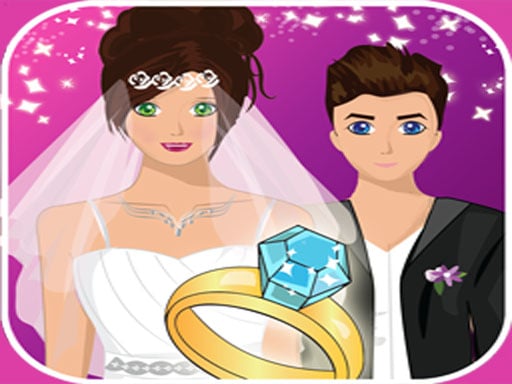
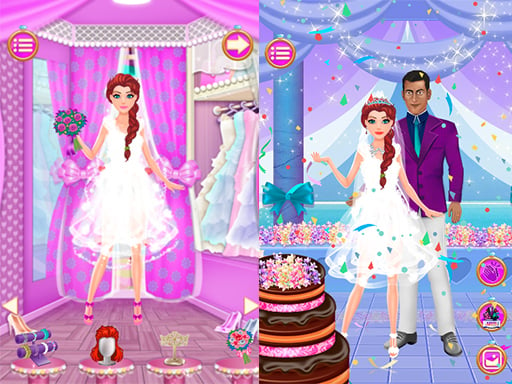
About Wedding
The game runs in a landscape-oriented frame measuring 800 by 600 pixels. Without a defined procedure, the page keeps the identity concise and leaves gameplay details unstated.
How to play Wedding
- Start Wedding and use the game’s available on-screen presentation to play.
Controls
Desktop
Wedding control evidence is limited to this GamePix quotation: “play best classic game for kid and family play now with your friends this game she have great graphics and nice sound and very easy to play are you ready” If it does not name a key or button, this guide does not assign one. After Wedding loads, follow its own tutorial or start-screen prompt. Do not import a familiar browser layout from another game; full screen changes visibility, not control rules.
Mobile and touch
For mobile play, the same Wedding evidence boundary applies. The quoted GamePix sentence does not explicitly confirm a touch input for Wedding. Check the loaded player for a touch interface or mobile warning and follow that prompt. If neither appears, do not infer compatibility from HTML5 alone. Enlarging Wedding cannot add controls the embedded game does not provide.
Gameplay mechanics
- Classic game presentation
- Graphics
- Sound
What to expect
- A landscape browser frame with graphics and sound.
Wedding is provided by GameMonetize and is playable here through its browser-game embed.




























 Golf king 3D
 Super Poker
 Matching Pair Game
 Beach Match Madness
 Find Pair: Attention Memory
 ReNumber Kids
 Blackjack
 Minecraft Card Matching Puzzle
 +1 Speed per Step | Obby Mode
 +1 Speed: Escape Prison
 +1 SPEED: Escape School
 ⚽ Puppet Soccer 2021 – Football ⚽
 ❤ Vacation Summer Dress Up Game ❤
 007 Cameraman Enemy Skibidi
 0h h1
0h h1
 1 2 3 4 Player Tank Game 2D